Blog · AI Agent News · MCP & tools VIEN
Search Browser vs Chrome: Is a 10.8 MB Mac Browser Worth It?
A practical comparison of Search Browser v1.0.14 (WebKit) vs Chrome on macOS: real benchmarks, Arc-style features, extension limits, and who should switch.
In this article
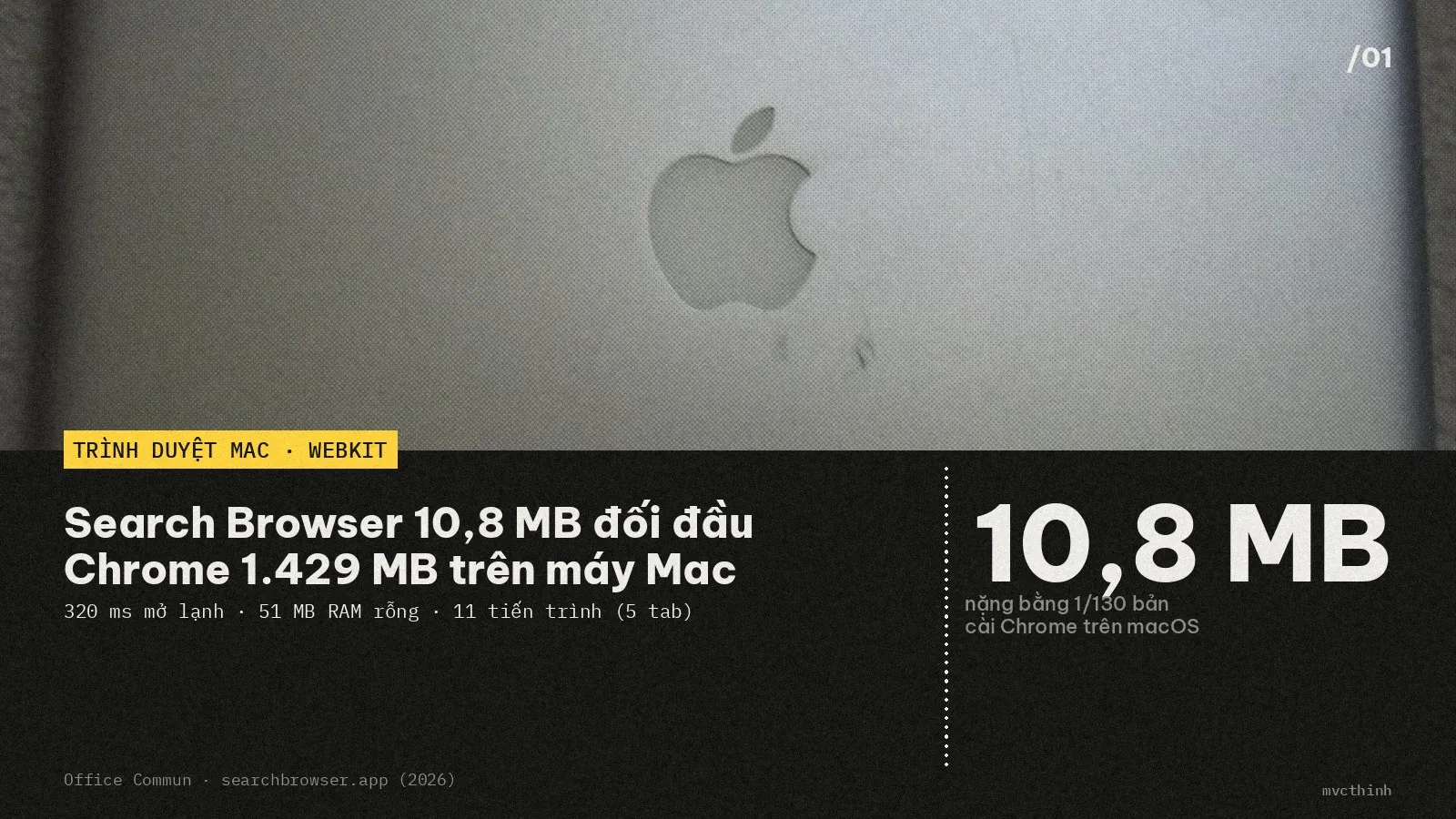
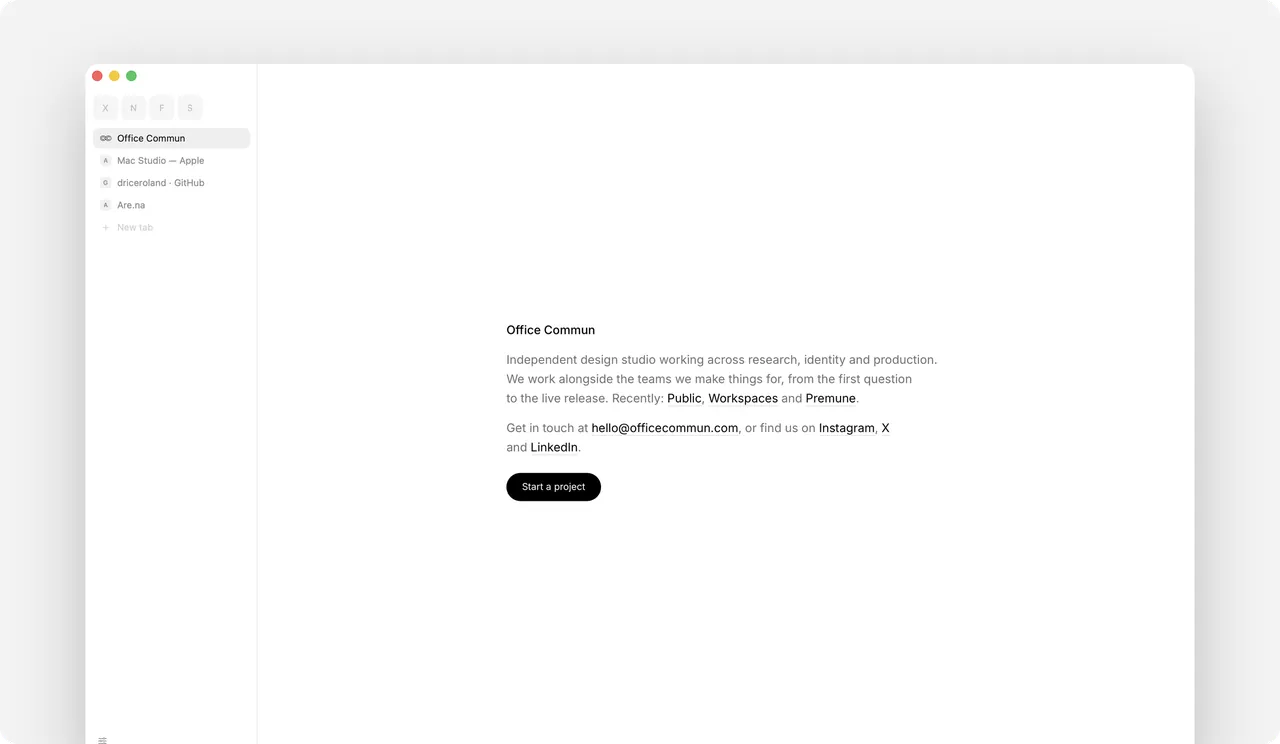
If you work on an 8 GB or 16 GB Mac, you know the bottleneck immediately. The moment you run a local AI model or cut video alongside Chrome or a new AI-heavy browser, unified memory fills up fast. Office Commun, a Paris design studio, just released Search Browser (v1.0.14) — an open-source macOS browser weighing 10.8 MB on disk while keeping Space switching and Chrome Web Store extensions.
Why is Search Browser only 10.8 MB compared to Chrome?
Search Browser stays tiny because it skips shipping a duplicate browser engine inside the app bundle. Chrome, Arc, and Dia pack a full Chromium runtime exceeding 1.3–1.4 GB. Search uses WebKit — already built into every Mac for Safari — so the app stays a clean shell instead of hauling a second engine into storage and memory.
Combining the v1.0.14 homepage numbers with Office Commun's three-run median benchmarks on an Apple M3 Pro (36 GB, macOS 26.6.2, September 23, 2026), here is how Search compares directly against Safari and Chrome.
| Measured metric | Search Browser (v1.0.14) | Safari (26.6.2) | Chrome (153) |
|---|---|---|---|
| App size on disk | 10.8 MB | 36 MB | 1,429 MB |
| Cold launch to first window (no page) | 320 ms | 730 ms | 526 ms |
| Memory usage with no page open | 51 MB | 203 MB | 663 MB |
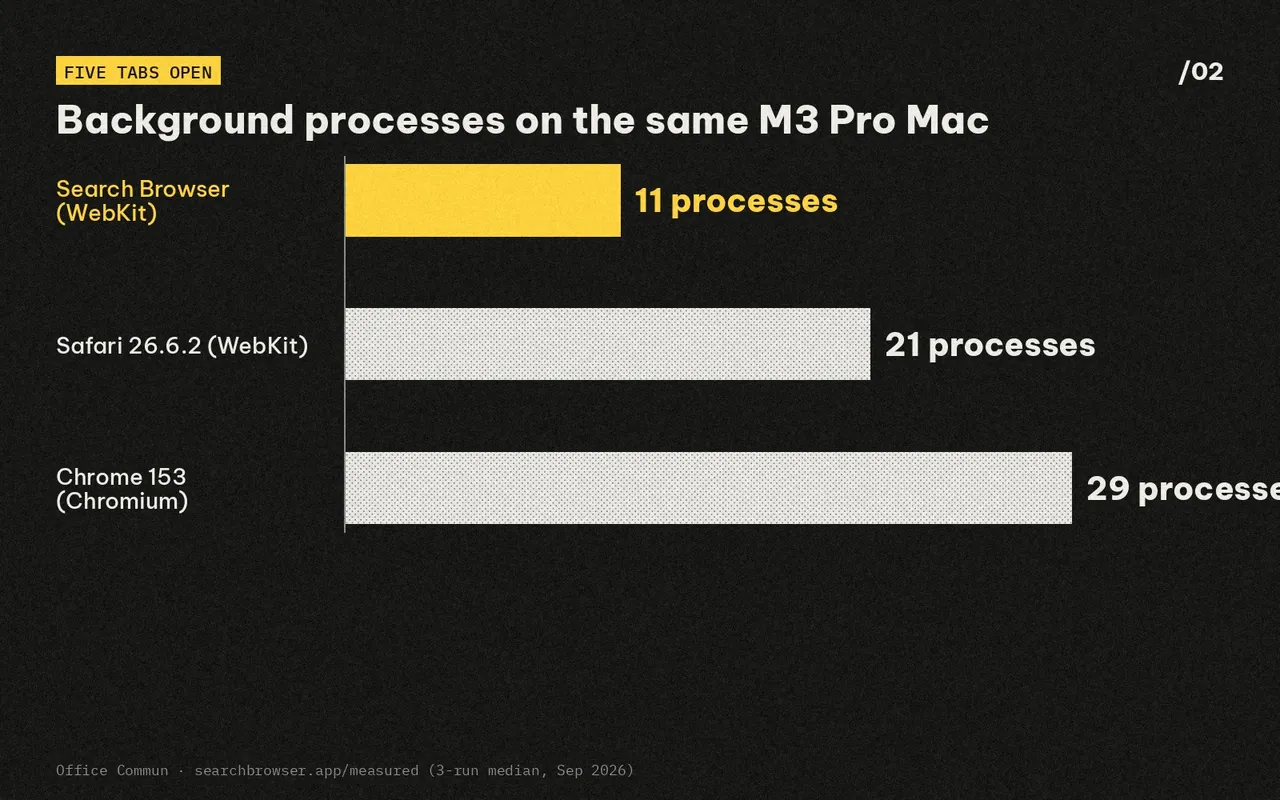
| Processes with 5 tabs open | 11 processes | 21 processes | 29 processes |
| Engine & license | WebKit · Open source | WebKit · Proprietary | Chromium · Proprietary |
In simple terms, processes are the background worker threads keeping tabs alive. With five open tabs, Chrome spawns 29 background processes while Search holds 11 — nearly three times fewer workers competing with your video timeline or local model.
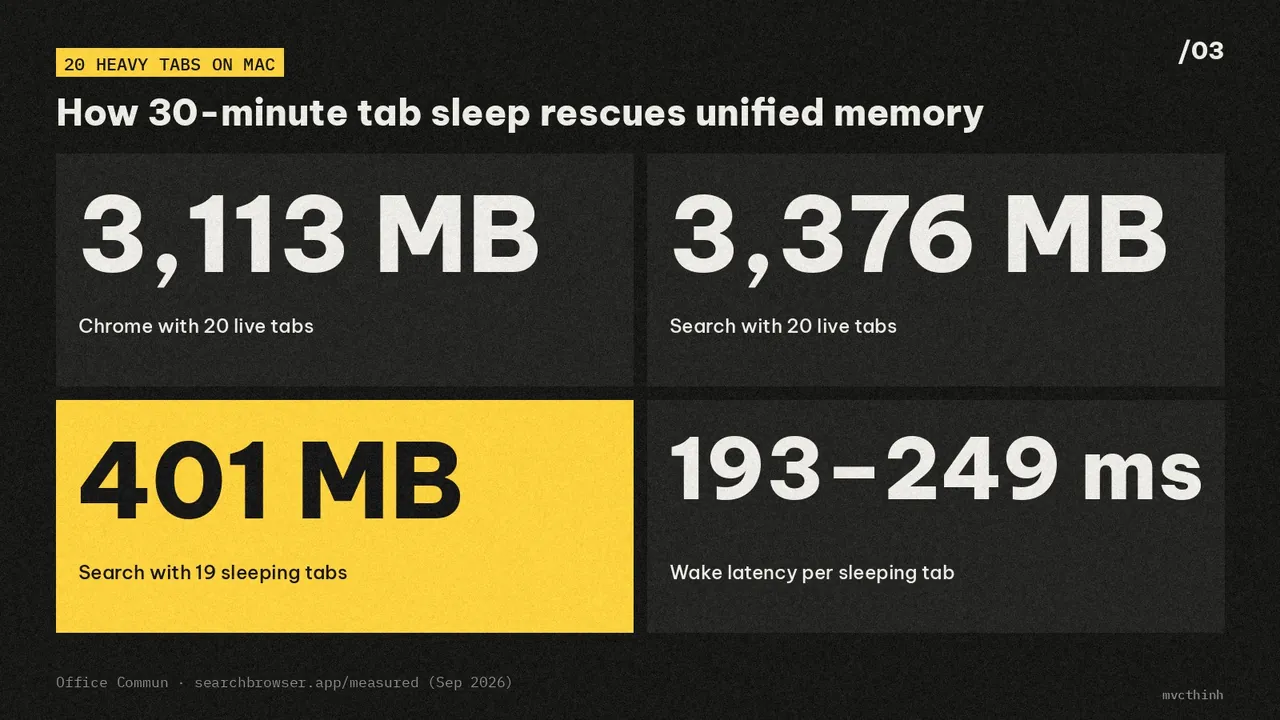
To Office Commun's credit, their honest finding section notes one real trade-off: with 20 heavy tabs loaded live, Chrome actually uses about 260 MB less RAM (3,113 MB vs. 3,376 MB). Search wins in real-world multitasking by sleeping tabs untouched for 30 minutes while keeping scroll state — dropping 19 sleeping tabs plus one active tab to roughly 400 MB (401 MB) with 193–249 ms wake latency.
Can Search Browser replace Chrome and Arc day to day?
Switching browsers usually breaks down when muscle memory changes. Search preserves the core daily workflows Chrome and Arc users expect right out of the box, without forcing an account sign-up or monthly subscription.
- Two-finger swipe Spaces: Group tabs by work, home, or active project with custom icons, and swipe sideways with two fingers on the tab strip to glide between Spaces.
- One-click migration: Under
File › Bring Things Over…, import bookmarks, history, passwords, and Spaces directly from Chrome, Arc, Brave, Dia, Edge, Firefox, or Zen. - Keychain with Touch ID: Credentials live in the macOS Keychain and only appear after a Touch ID prompt.
- Network ad blocking & element hiding: Ad scripts and trackers are blocked at the network layer, and
⌘⇧Hlets you click away cookie banners or pop-ups permanently per site. - Direct Chrome Web Store extensions: Built on Apple's
WKWebExtension, popular add-ons like 1Password, Bitwarden, uBlock Origin Lite, Dark Reader, and Claude install straight from the Chrome Web Store.
Built-in shortcuts like ⌘⇧R (Reading Mode) and ⌘⇧P (auto-floating Picture-in-Picture when switching tabs) round out the daily toolkit.
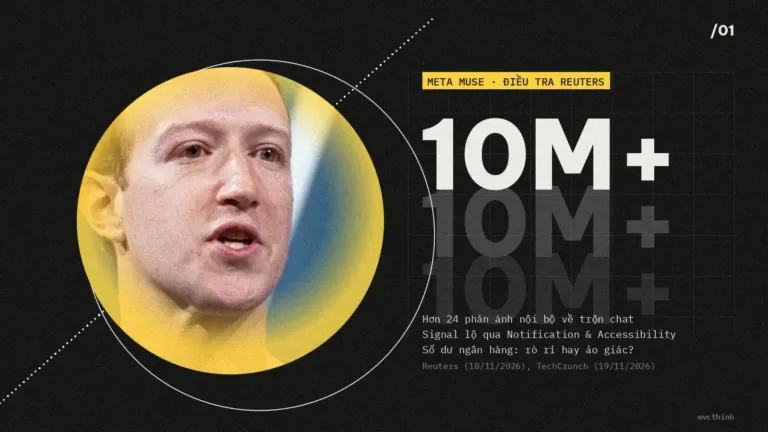 Also readMeta Muse Signal & Bank Balance Report: Fact vs. Fiction
What Mac requirements and limits should you check first?
Before downloading, check your Mac setup against Search Browser's strict Apple-only boundaries so you do not waste time troubleshooting. Because it is built purely with native macOS frameworks, both OS version and extension API limits matter right up front.
If your Mac qualifies and you want to test it directly, install the latest cask in Terminal with Homebrew:
brew install --cask driceroland/tap/searchBoth the direct download from searchbrowser.app and the Homebrew package receive signed hourly update checks and remain inspectable on GitHub (driceroland/Search).
My take
When nearly every modern browser is stuffing heavy AI sidebars into an already bloated Chromium shell, going back to a 10.8 MB minimalist browser that keeps Spaces and essential extensions intact is genuinely refreshing. With AI-driven RAM prices climbing fast and local workloads like FastFrames video generation on Apple Silicon competing for unified memory, trimming browser overhead is an easy win for 8 GB and 16 GB Mac owners.
Here is the practical split: switch to Search Browser if you run macOS 15.4 or newer, want Arc-style Spaces without the bloat, and rely on mainstream extensions; stay on Chrome if your workflow depends on DevTools add-ons, proxy-level VPN extensions, or cross-platform Windows sync.
Sources
 Safety & policy · Nov 21, 2026Nvidia Without Jensen Huang: Where Do CUDA and GPUs Go?
Analyzing Nvidia after Jensen Huang: the 60-report leadership gap, Claude Mythos and AMD pressure on CUDA, and what GPU buyers face next.
 Coding agents · Nov 21, 2026Apple's Computer-Use AI Agent Listing and What It Means for Mac
Analysis of Apple's proactive AI agent job listing, how it compares with Gemini on Mac, and macOS 27.3 permission splits for Mac…
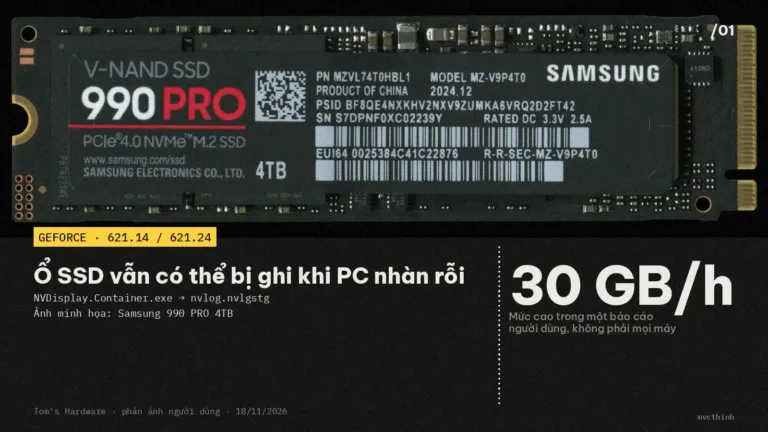 AI video · Nov 20, 2026NVIDIA driver SSD writes: Check with Resource Monitor
GeForce 621.14/621.24 users report 3–30 GB/hour of idle writes. Check NVDisplay.Container.exe, monitor SSD writes, and consider rolling back to 621.01.