Blog · AI Agent News · AI images VIEN
Canva Adds an AI Off Switch: Manual Craft vs. AI Speed
Canva now lets Free and Pro users turn off generative AI tools and filter AI templates, keeping the pre-AI craft feel without giving up AI speed.
In this article
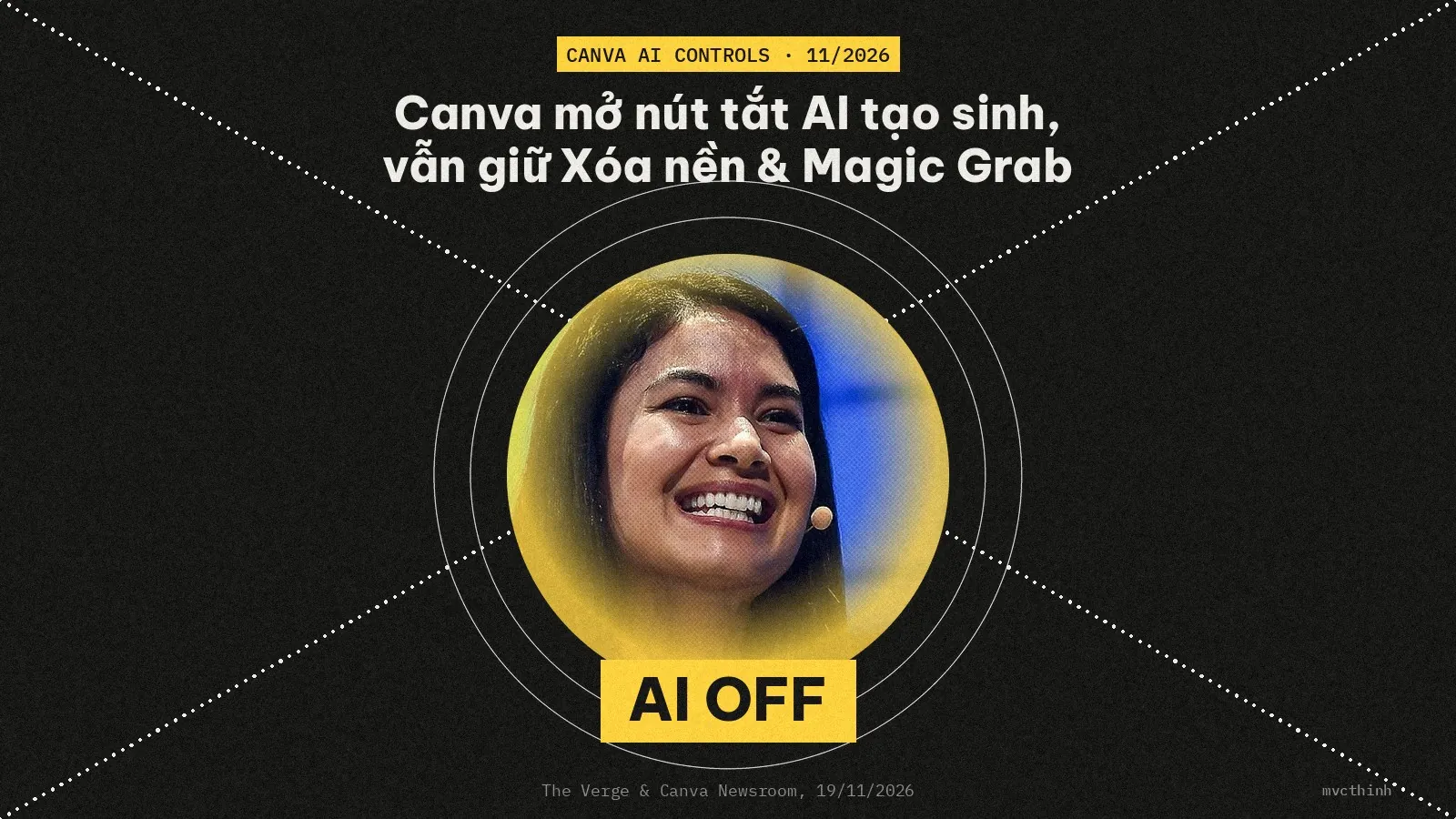
On November 19, 2026, Canva rolled out two new toggles allowing both free and paid users to switch off most generative AI features and reduce AI-generated templates in search results, according to The Verge and Canva Newsroom. The update shows Canva listening to designers who miss the cleaner, hands-on feel of designing before AI took over every toolbar, without denying that AI makes layout and image work dramatically faster than before.
How does Canva's AI off switch actually work?
Head to Profile > Settings > Permissions to toggle off Enable generative AI features, and visit Profile > Your account > AI personalization to turn on Show less AI content. Both switches are reversible at any time, available to both Free and Pro users at no cost, and leave your existing designs completely untouched.
Generative AI covers tools that invent brand-new images, draft copy, or assemble entire layouts from a text prompt. Because Canva layered those tools across nearly every menu, many designers felt crowded out—even though nobody complains about one-click helpers that trim tedious manual steps. Canva drew that exact line when building the off switch.
| Control setting | Where to find it | What gets hidden or reduced | What stays active |
|---|---|---|---|
Enable generative AI features (Off) | Profile > Settings > Permissions | Magic Write, Magic Design, Magic Layers, Magic Edit, Magic Expand, Dream Lab, Canva Code, AI Shapes, chatbot image generation | Background Remover, Magic Grab, and standard manual editing tools |
Show less AI content (On) | Profile > Your account > AI personalization | Lowers visibility of AI-tagged templates and graphics in search and recommendations | Prioritizes human-created templates; existing designs remain unchanged |
Why did Canva add an off button after three years of AI rollout?
Since launching Magic Studio in October 2023, Canva accelerated aggressively into AI, culminating in prompt-powered editing via Canva AI 2.0 in April 2026 and its first in-house image model Canva Craft in October 2026. Over that same stretch, frustrated users on r/canva repeatedly complained about AI feature bloat and asked how to turn the tools off.
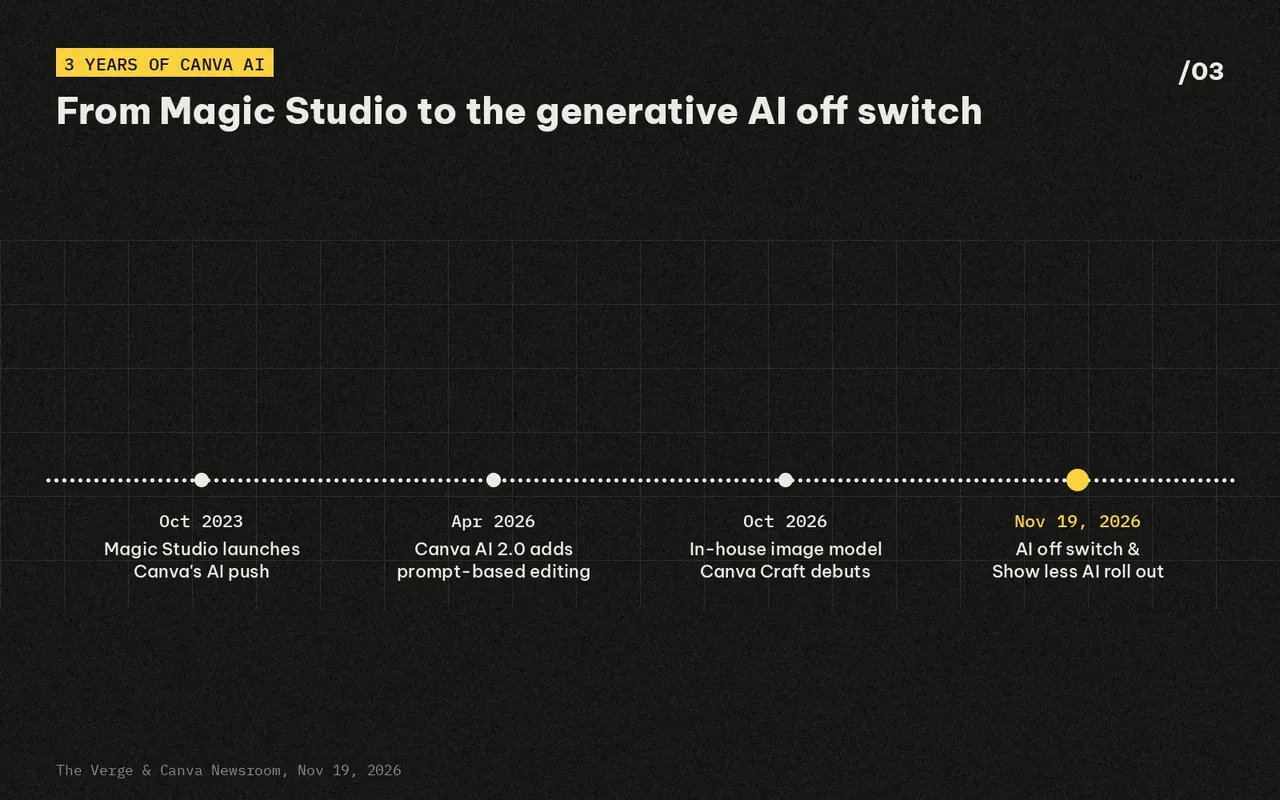
Looking at that three-year arc explains why the pushback grew so loud. Canva AI 2.0 turned the editor into a conversational prompt hub across tasks, and Canva Craft—trained on millions of templates from Canva's library—put 2K AI image generation right inside Dream Lab. For working designers who already knew what typography and spacing they wanted, constant AI prompts began feeling like interface noise. With the November 19, 2026 release, individual Free and Pro users finally get the toggle control that workspace admins previously managed on Teams, Enterprise, and Education plans.
 Also readMeta Muse Signal & Bank Balance Report: Fact vs. Fiction
Pre-AI design feel vs. AI speed: which workflow wins?
The debate around Canva's off button isn't a war between anti-AI purists and AI evangelists—it reflects two real needs that often live inside the same designer. One side values the tactile, pre-AI rhythm of building a layout deliberately; the other recognizes that AI cuts production time down to a fraction of what manual work used to demand.
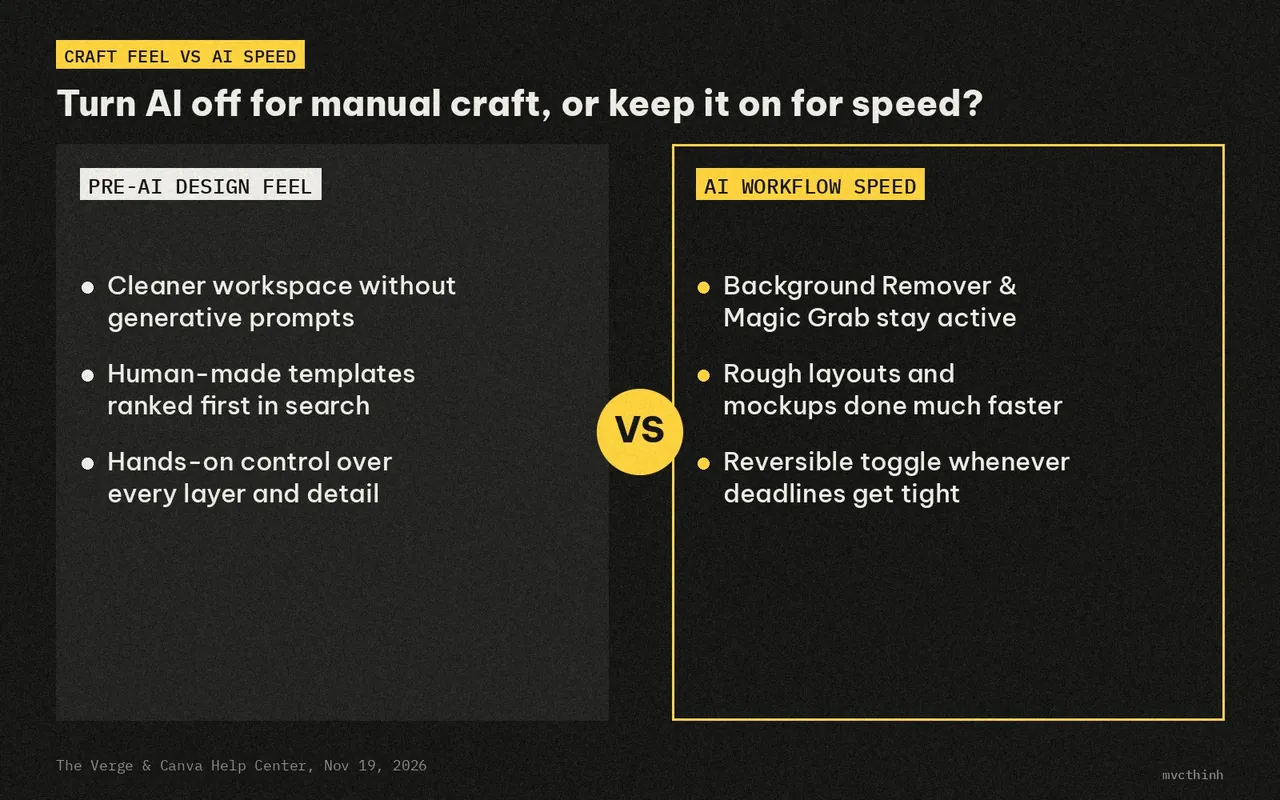
Designers who miss the pre-AI era have a strong case. Starting from human-made templates or a blank canvas keeps visual identity intentional and avoids the generic "AI-generated look" that audiences are growing weary of—a fatigue also visible as platforms like X test ways to filter repetitive AI-generated slop. Stripping away generative pop-ups gives you a calmer workspace where every alignment decision feels deliberate.
At the same time, it's impossible to deny how much faster AI makes modern design work. Tasks that once meant painstakingly masking hair or isolating an object layer by layer now happen in seconds with Background Remover and Magic Grab. When tight deadlines hit or you need three rough layout concepts before an afternoon client call, generative tools dramatically shrink turnaround time compared to building everything manually from scratch.
My take: silence the generative clutter, keep the time-savers
The most practical setup isn't all-AI or zero-AI—it's keeping the workspace quiet when you want manual craft, while keeping fast utility helpers switched on and flipping generative tools back on whenever speed matters most. Giving users control over interface bloat echoes the same push toward lighter, distraction-free software seen in minimalist tools like lightweight Mac browsers.
Credit where it's due: it takes real product discipline for a software company to let users hide the headline AI features it spent three years building. By keeping Background Remover and Magic Grab active while letting designers mute Magic Design, Dream Lab, and chatbot generation, Canva acknowledges the difference between AI that quietly saves minutes and AI that interrupts creative flow—putting creative control back where it belongs without giving up AI speed.
Sources
- The Verge — Canva adds an AI ‘off’ button The Verge
- Canva Newsroom — Introducing AI Controls: Your creativity, your call Canva Newsroom
- The Verge — Canva’s first AI image model plans designs before generating them The Verge
- The Verge — Canva’s AI 2.0 update goes all in on prompt-powered design tools The Verge
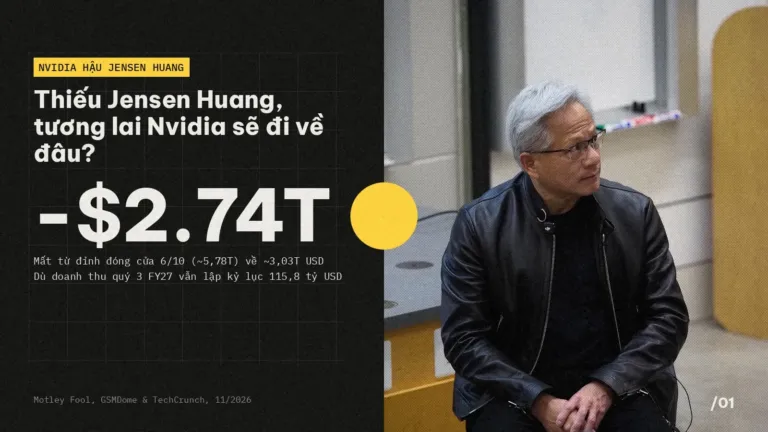 Safety & policy · Nov 21, 2026Nvidia Without Jensen Huang: Where Do CUDA and GPUs Go?
Analyzing Nvidia after Jensen Huang: the 60-report leadership gap, Claude Mythos and AMD pressure on CUDA, and what GPU buyers face next.
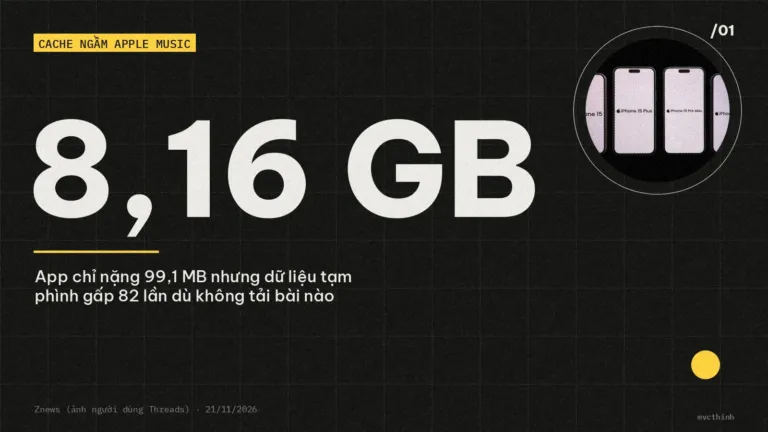 Safety & policy · Nov 21, 2026Apple Music Eats 8–11 GB With Zero Downloads: How to Fix It
Streaming only, yet Apple Music takes up 8–11.5 GB on your iPhone? See why Lossless caching bloats Documents & Data and 4…
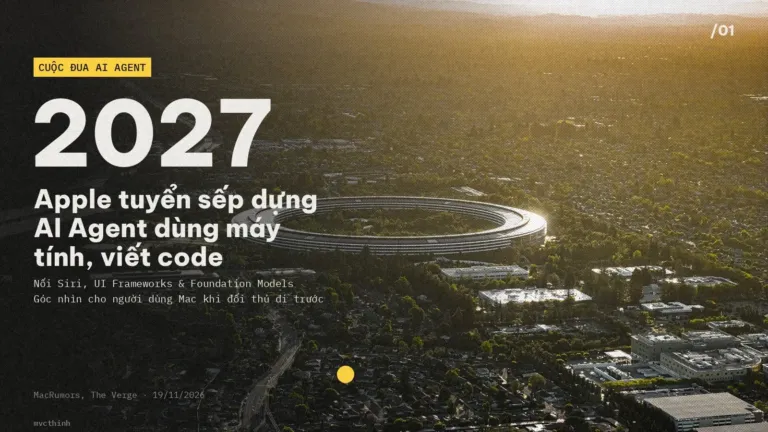 Coding agents · Nov 21, 2026Apple's Computer-Use AI Agent Listing and What It Means for Mac
Analysis of Apple's proactive AI agent job listing, how it compares with Gemini on Mac, and macOS 27.3 permission splits for Mac…