Turning a 2D Painting Into a 3D Scene With Opus 5.5 in toEdit
Instead of spending 2–3 days modeling and aligning cameras in Blender, I fed a 2D reference image into toEdit for Opus 5.5 to build depth and lighting.
In this article
Turning a flat painting into a 3D camera shot for a short video used to mean two or three exhausting days in Blender—modeling buildings, wrapping textures, and tweaking camera paths until my eyes burned. On Nov 18, 2026, I dropped a 2D reference painting straight into toEdit and let Claude Opus 5.5 handle the scene, and the resulting depth, volume, and lighting came out smoother than expected.
From a 2D reference artwork to a 3D pass in toEdit
Given a multi-story apartment illustration as input, the setup breaks the scene into distinct 3D building volumes and backdrop planes so the camera can glide across real depth. In the side-by-side comparison below, the left image is a reference painting borrowed solely as test input—it is not artwork that I painted myself.
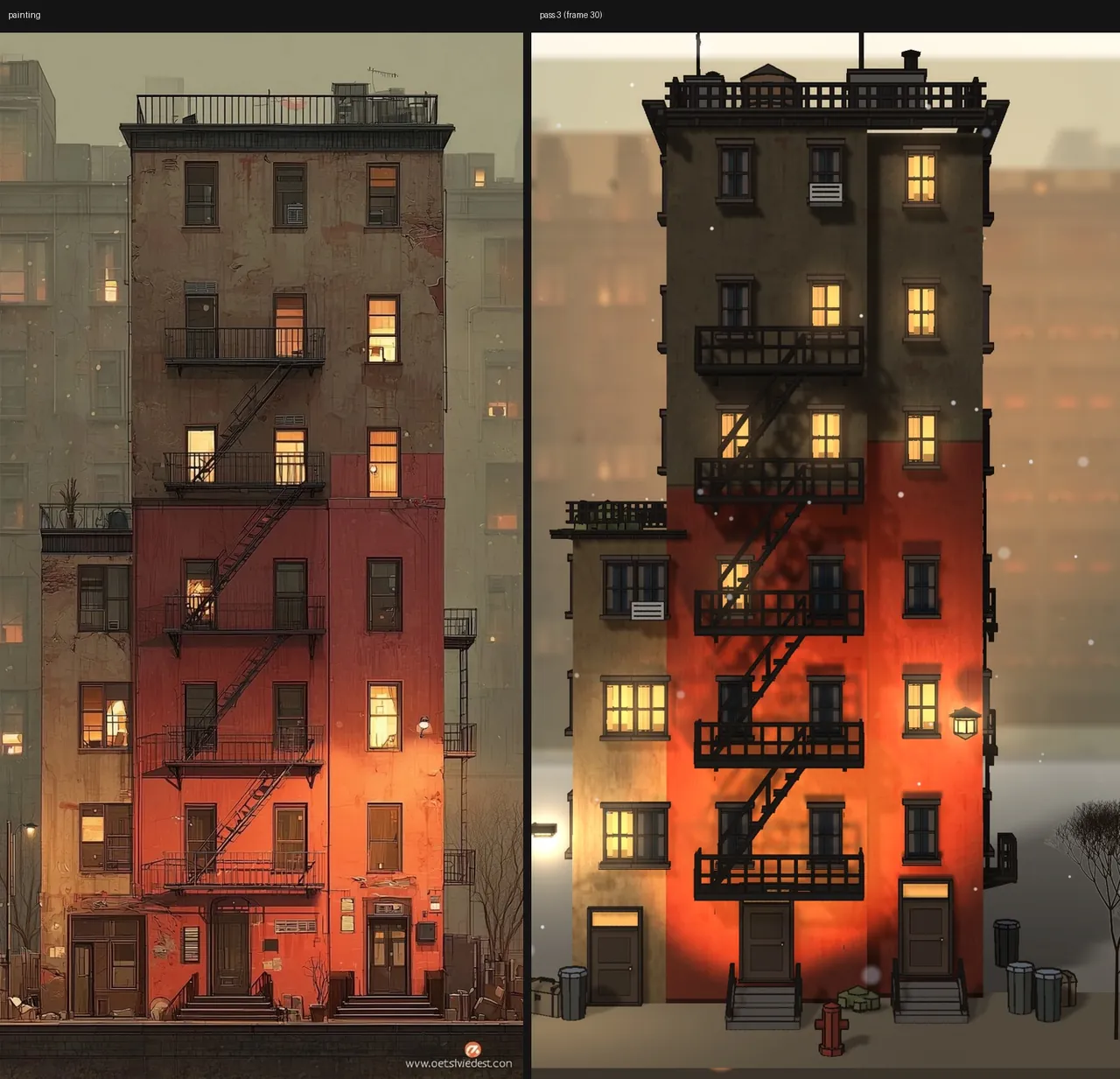
Notice the pass 3 (frame 30) label in the top-right corner of the render. Matching the multi-story facade proportions, protruding balconies, and warm glow from the windows takes iterative passes and frame inspections rather than blind one-click luck.
Why replace a 2–3 day Blender grind with toEdit and Opus 5.5?
Instead of grinding through meshes and UV textures in Blender for two to three days before exporting clips into another editor, Opus 5.5 drives toEdit directly. Every 3D Stage tool (Scene Camera, Lights & fog) sits one click away from standard 2D layers and audio tracks.
Think of toEdit's MCP bridge as handing an AI agent a controller for the exact same timeline you are looking at. Before touching your live cut, the agent can run validate on a copy, apply each change as one clean undo step with a receipt, and inspect rendered frames through review so nothing silently breaks behind your back.
| Workflow aspect | Earlier manual Blender workflow | toEdit + Claude Opus 5.5 |
|---|---|---|
| Time & effort | 2–3 days modeling, texturing, aligning cameras (shared Nov 18, 2026) | Runtime not timed; eliminates days of manual mesh and export prep |
| Workspace | Separate 3D tool plus separate video editor | Single unified 2D and 3D timeline inside toEdit |
| Control & safety | Manual fixes across meshes and keyframes | Editor keeps full timeline control; agent uses validate and review |
| Data & rendering | Exporting intermediate renders between apps | 100% on your machine (Saved locally), zero per-render fees |
 Also read66.5% of Korean Workers Use AI, Yet Output Barely Moves
Inside the Tenement 36d project: how layers and cameras come together
Looking directly inside the Tenement 36d workspace (1080 × 1920 • 30.00fps • 9:16, 00:00:22:00 runtime), the entire scene stays modular instead of baking down into a flat video file. You can select any wall section, plate, or camera track right from the editor.
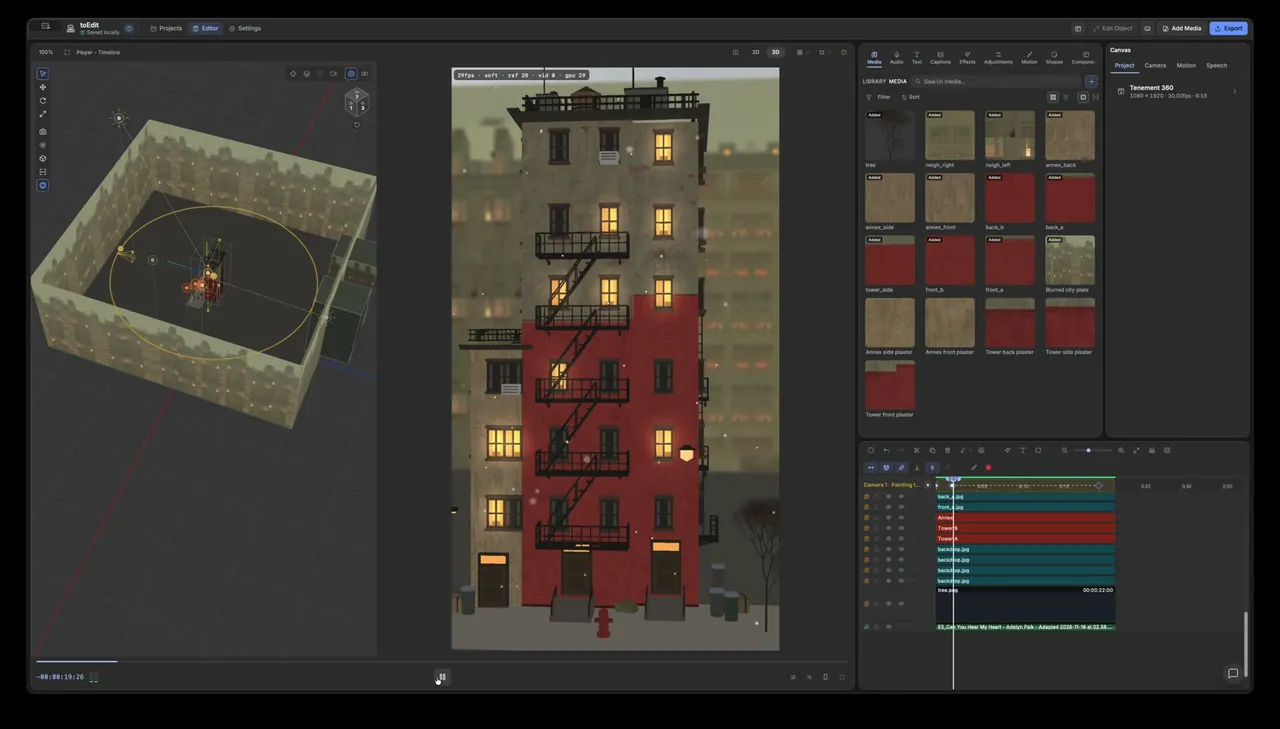
Look at the LIBRARY MEDIA panel on the right: the structure is split into Annex, TowerA, and TowerB, paired with surface textures such as annex_front, annex_side, annex_back, Annex side plaster, and Tower front plaster. Background depth comes from Blurred city plate, backdrop.jpg, and tree.png sitting behind the Camera 1 - Painting t... track.
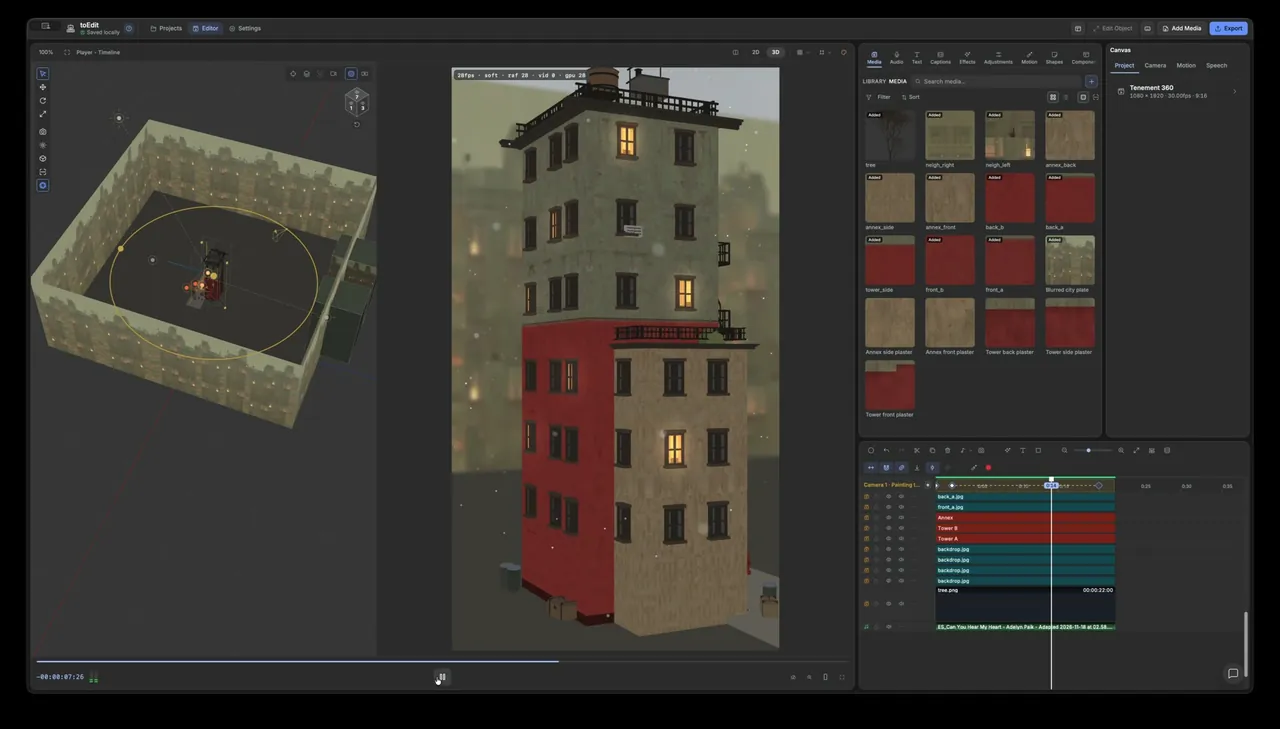
Below is a screen recording from inside toEdit showing how these scene layers and timeline tracks line up in practice. Across the top bar (Edit Object, Canvas, Project, Camera, Motion, Speech, Effects, Export), the editor ships 16 style packs, 770 components, and 37 motion presets (23 Motion 2D and 14 Motion 3D) that open up into editable keyframes.
My take: Six months of vibecoding and what it changes for editors
I spent six months vibecoding toEdit to solve one annoyance every short-form editor knows well: jumping across three or four heavy apps just to finish a 20-second scene. Seeing Claude Opus 5.5 reconstruct a 2D reference painting into a layered 3D shot on Nov 18, 2026 proved why pairing a local-first timeline with structured MCP tools pays off.
That said, AI + 3D is still not a single magic button. Just as the pass 3 (frame 30) marker reminds us, getting believable lighting, depth, and camera pacing takes multiple passes—and human judgment on the timeline to time cuts, balance window warmth, and sync the shot to the music track (ES_Can You Hear My Heart).
How long does it usually take you to model, texture, and frame a custom 3D shot for a short video, and would you trust an AI agent to build that first pass directly on your timeline? Let me know in the comments.
Sources
AI videoClaude & AnthropicAutomation
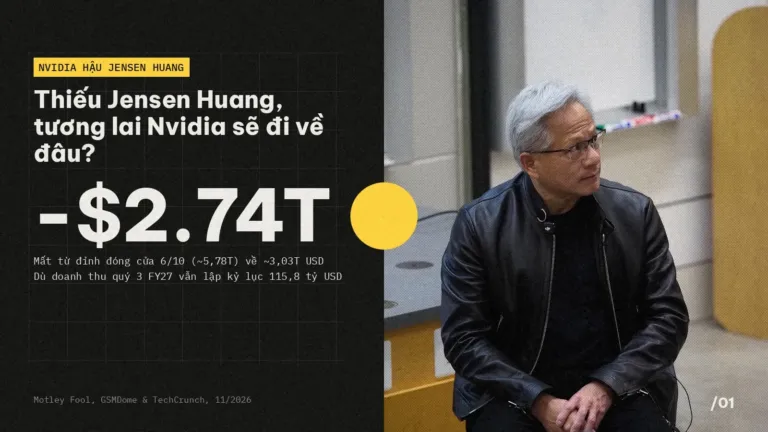 Safety & policy · Nov 21, 2026Nvidia Without Jensen Huang: Where Do CUDA and GPUs Go?
Analyzing Nvidia after Jensen Huang: the 60-report leadership gap, Claude Mythos and AMD pressure on CUDA, and what GPU buyers face next.
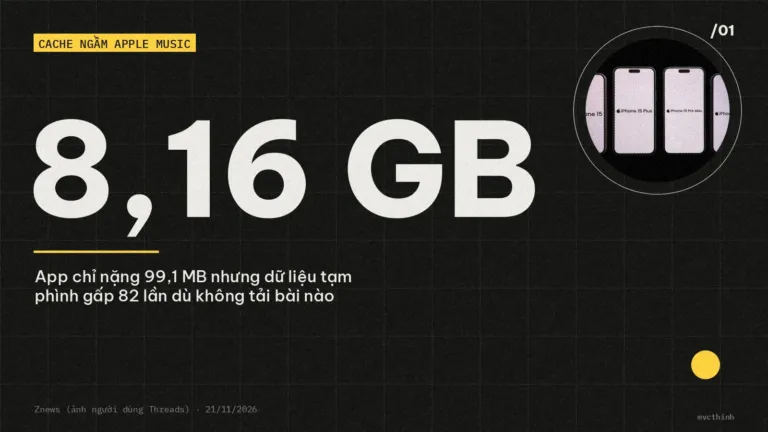 Safety & policy · Nov 21, 2026Apple Music Eats 8–11 GB With Zero Downloads: How to Fix It
Streaming only, yet Apple Music takes up 8–11.5 GB on your iPhone? See why Lossless caching bloats Documents & Data and 4…
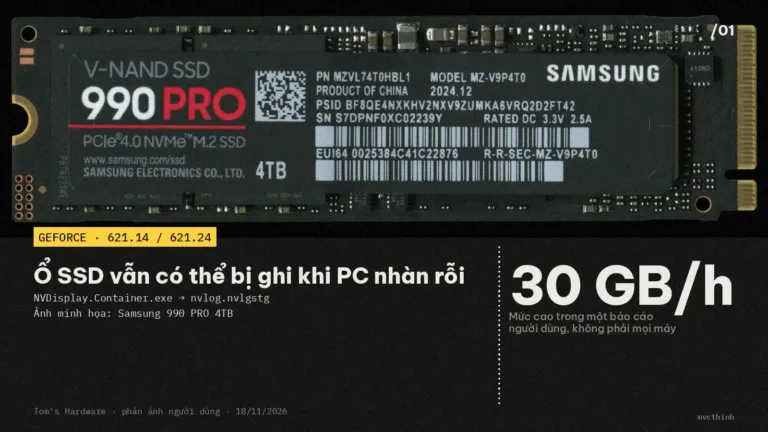 AI video · Nov 20, 2026NVIDIA driver SSD writes: Check with Resource Monitor
GeForce 621.14/621.24 users report 3–30 GB/hour of idle writes. Check NVDisplay.Container.exe, monitor SSD writes, and consider rolling back to 621.01.