Blog · AI Agent News · Automation VIEN
Windows 11 frees nearly 900 MB RAM, speeds up Office 21% on 8 GB
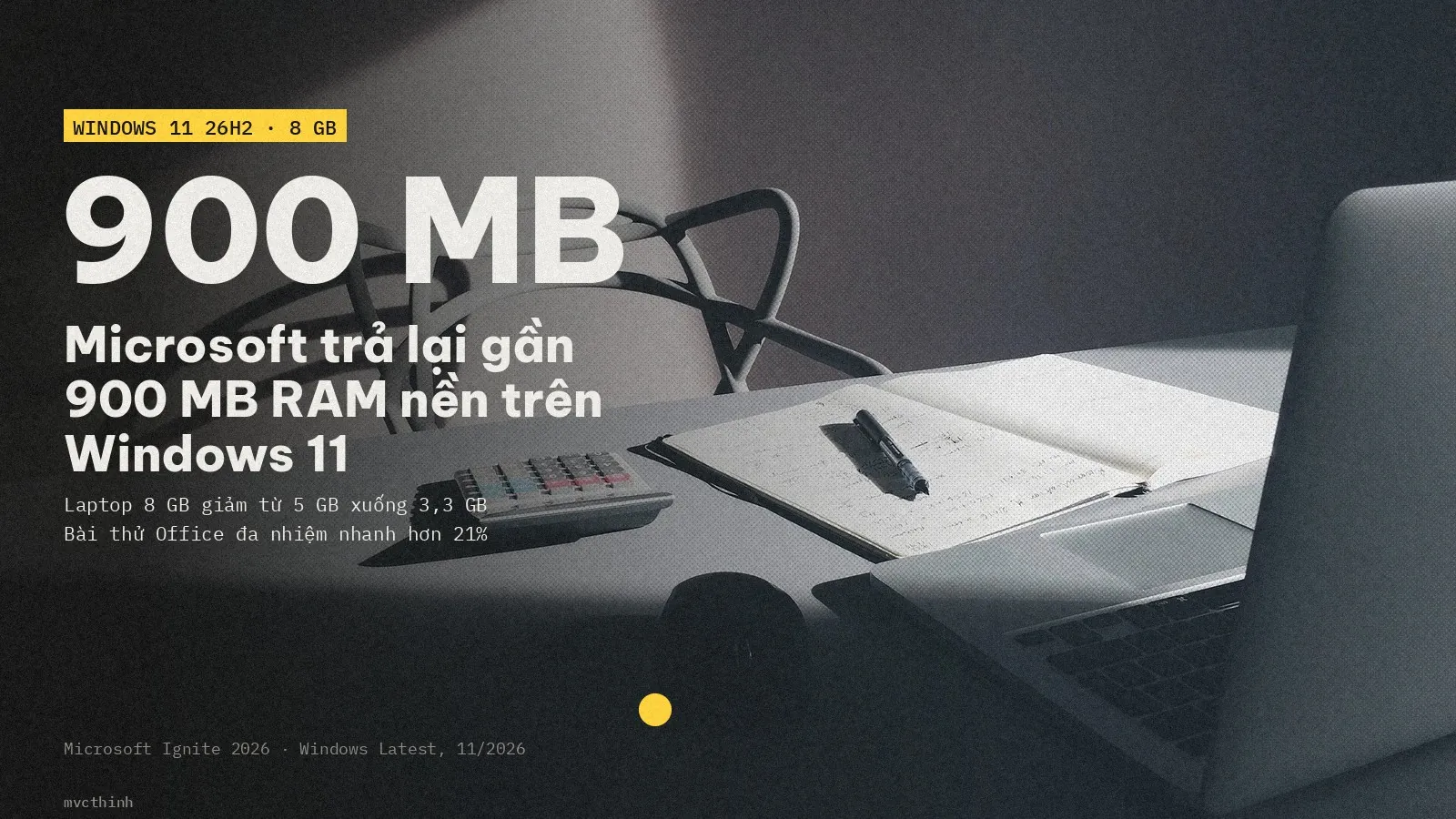
Microsoft freed nearly 900 MB of background RAM in Windows 11 26H2, helping 8 GB office laptops run Office faster without buying new memory.
In this article
On a Monday morning, an office worker turns on an 8 GB Windows 11 laptop, opens Edge, joins a Teams call, and loads an Excel sheet. Before they finish checking the first table, the fan spins up and switching windows starts to lag. The surprise is that nearly 900 MB of that bottleneck came from Microsoft's own apps and background services quietly consuming memory rather than the user's files.
At Microsoft Ignite 2026 in mid-November, Microsoft confirmed it trimmed that background footprint with a focus on 8 GB and 16 GB devices as memory prices climb. For everyday office users on 8 GB laptops, reclaiming nearly a gigabyte of RAM can keep an existing machine running smoothly for another year or two without paying for a hardware upgrade. Even so, users should update to Windows 11 26H2 and check their background apps instead of expecting lag to vanish completely, because RAM works like a physical desk holding open programs and an 8 GB desk still fills up fast under heavy multitasking.
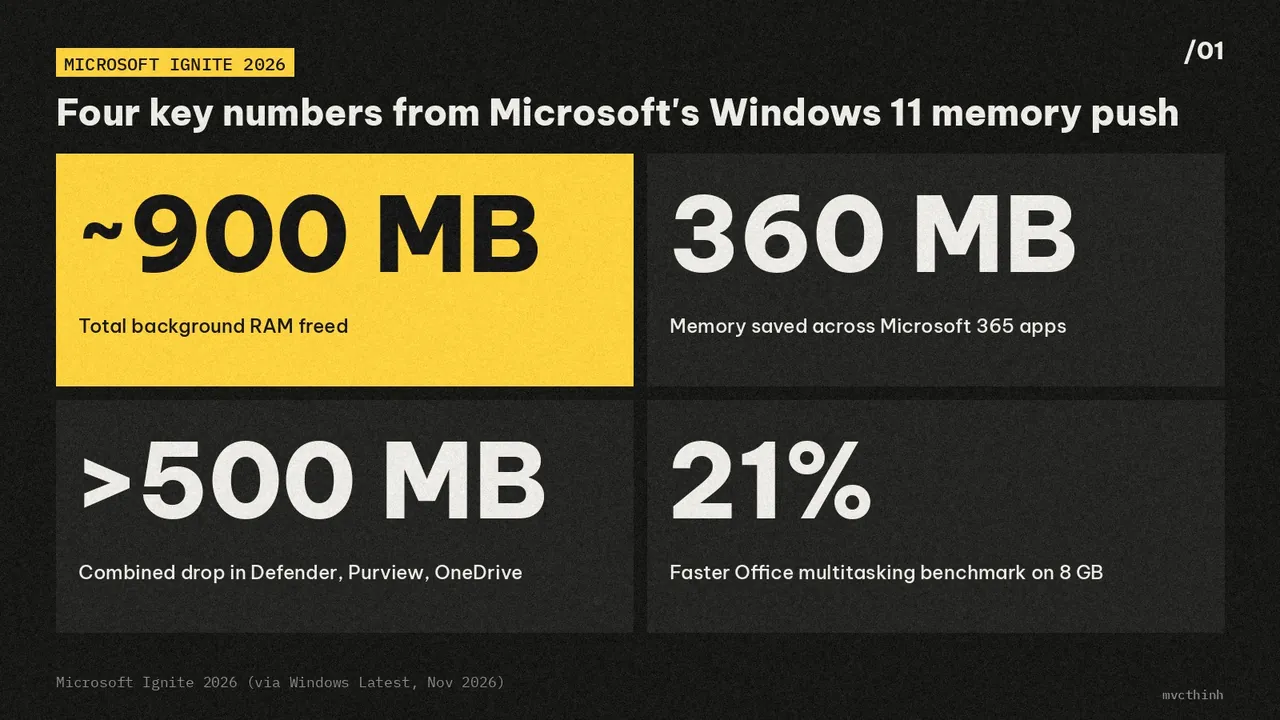
Nearly 900 MB of background RAM came from four everyday tools
According to Microsoft's core OS engineering presentation covered by Windows Latest, the more than 860 MB in savings comes from software preinstalled on most work PCs. The Microsoft 365 suite, including Word, Excel, PowerPoint, and Outlook, now uses 360 MB less memory than before. Combined optimizations across three background services—Defender, Purview, and OneDrive—account for more than 500 MB in additional savings.
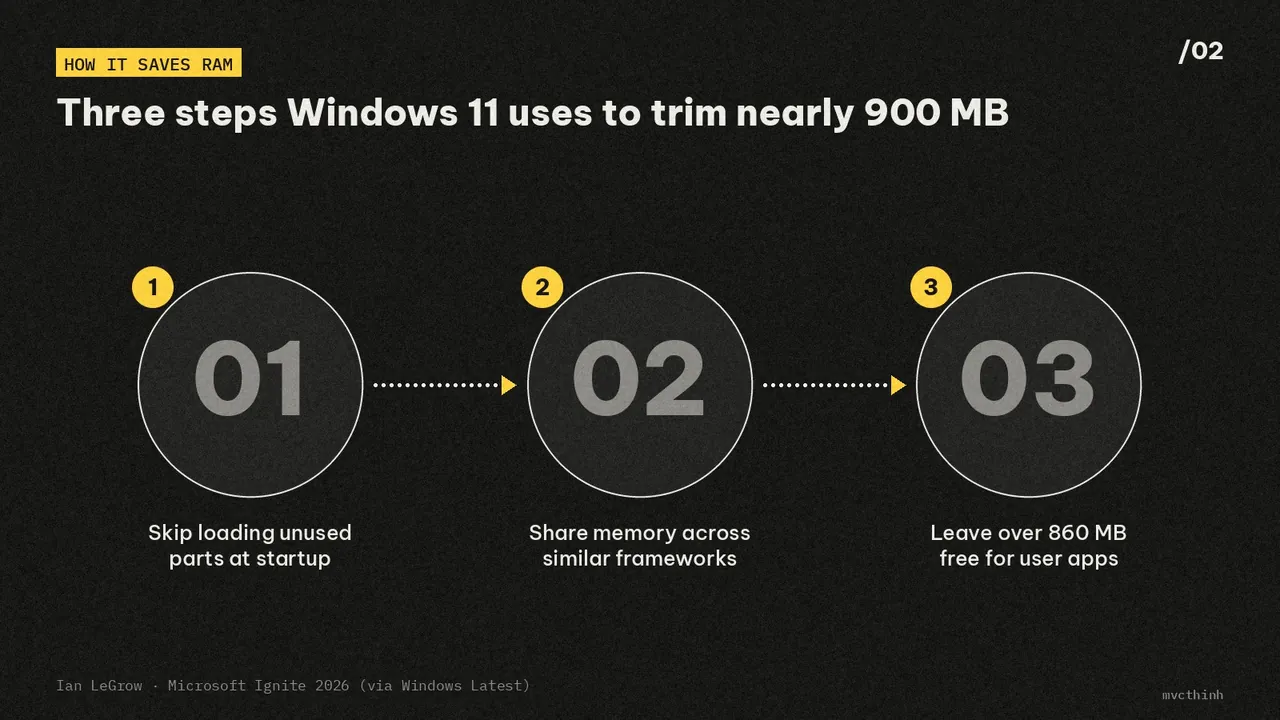
Background services are programs that start quietly with Windows before you click anything, much like building security and file clerks staying on duty all day. Previously, Windows 11 often loaded components that were not immediately needed and kept tools built on similar frameworks from sharing memory. Starting with the October 2026 updates, engineers avoided loading unused pieces at startup and let compatible components share memory pools.
That reclaimed headroom showed up clearly in Microsoft's own stress test on an 8 GB PC. The test simulated a Teams call, a 4K background video, 20 Edge tabs, Outlook, and large files in Microsoft 365 apps. The October 2026 build finished the workload about 21% faster than the January 2026 build, according to reports from Ignite 2026.
Real-world 8 GB testing saves 1.7 GB but hits limits quickly
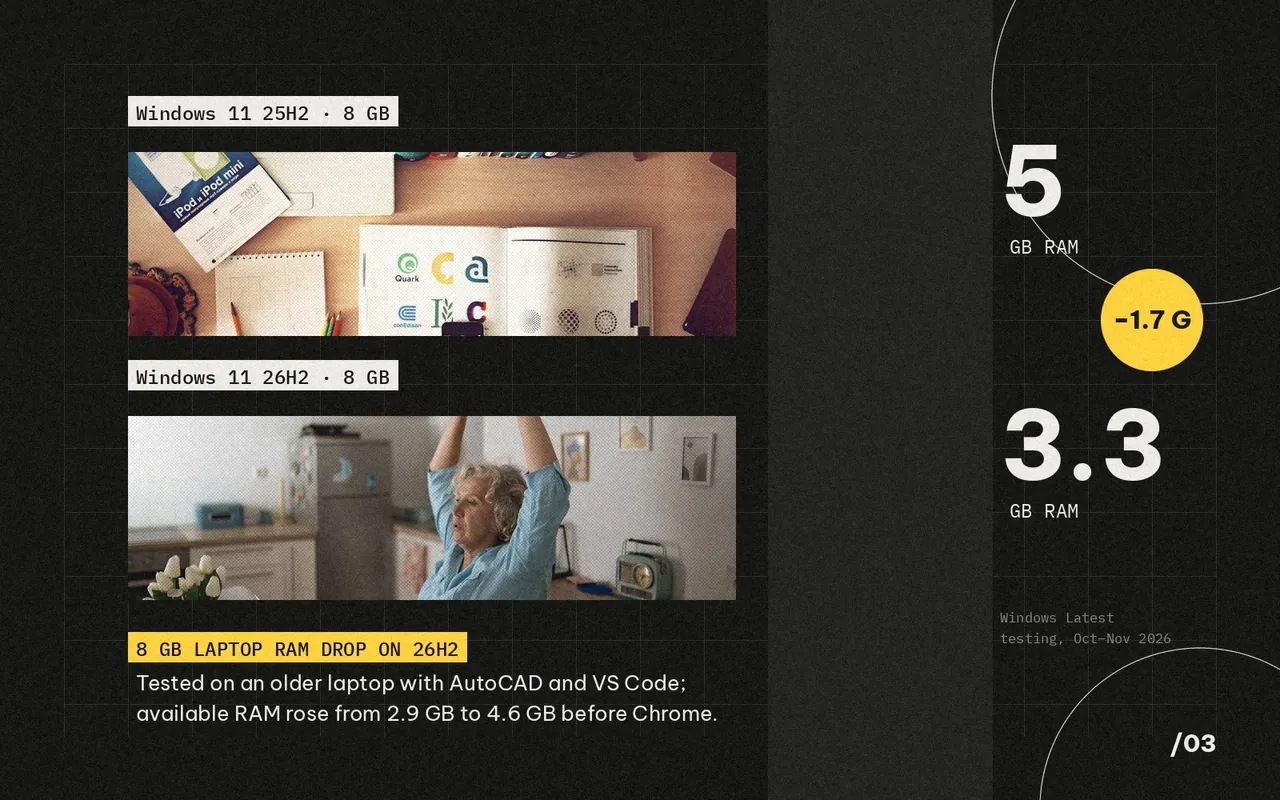
In independent testing by Windows Latest on an older 8 GB laptop with AutoCAD and VS Code installed, the difference showed up right after a reboot. On Windows 11 25H2, the laptop used 5 GB of RAM at idle, leaving 2.9 GB available. After upgrading the same machine to Windows 11 26H2 and restarting, memory usage fell to 3.3 GB—freeing 1.7 GB and lifting available RAM to 4.6 GB before Chrome was even opened.
A clean 8 GB virtual machine—a software-simulated PC used to measure the OS without third-party clutter—showed a similar drop. Post-restart memory use fell from 4.1 GB on 25H2 to between 2.8 GB and 3.2 GB on 26H2.
| 8 GB test machine | Post-reboot RAM on 25H2 | Post-reboot RAM on 26H2 |
|---|---|---|
| Older laptop with AutoCAD, VS Code | 5 GB (2.9 GB free) | 3.3 GB (4.6 GB free) |
| Clean Windows 11 virtual machine | 4.1 GB | 2.8–3.2 GB |
Lower idle numbers do not mean an 8 GB PC can juggle heavy workloads without slowing down. In the same virtual machine test, opening the Widgets Discover feed caused memory usage to climb back up right away. Even on a three-year-old 16 GB laptop that saved up to 2 GB after restarting, running Edge, WhatsApp, Teams, Outlook, and a 4K 60fps video pushed memory usage to 87%, and adding Spotify and Paint brought it to 89%.
 Also readWD 20 TB External Drive Hits $549.99, 2.2 Times the 2024 Price
Stretching an 8 GB laptop still depends on keeping startup lean
Reclaiming nearly 900 MB of first-party overhead is a practical fix while AI demand keeps memory prices elevated. Having 1.7 GB more free RAM right after booting gives an 8 GB office laptop enough breathing room to open spreadsheets and browser tabs on Monday morning without stalling immediately.
Still, 8 GB users should treat the update as extra margin rather than a substitute for lean habits. After installing Windows 11 26H2 through Windows Update and updating Microsoft 365 apps, check Task Manager right after a restart to verify your available memory and disable background extras you do not use, such as Widgets feeds, before spending money on a hardware replacement.
Sources
 Agent basics · Nov 29, 2026Landlord AI okayed late rent, tenant still evicted 11 days early
An unlabeled apartment AI told Laura Mack on Nov. 8 she could pay $3,934.17 in back rent by Nov. 30, yet she…
 Coding agents · Nov 29, 2026OpenCode Hits iPhone Free, Needs Your Home PC On via QR
OpenCode's free iPhone app hit the App Store on Nov 28, 2026 to steer home coding sessions via QR code, keeping code…
 Safety & policy · Nov 29, 2026Gmail Drops Custom-Domain Send As in 2027, Options From $0.99
Gmail ends third-party Send as in January 2027, pushing small site owners toward $0.99/month iCloud+, Migadu, or Cloudflare SMTP with safe DMARC…